Get Started

The board packet, the vote, and the two funds. One login.

Effortless convenience. One login, and every officer's job is simpler from day one. Total end-to-end integration. Assessments, meetings, and the governing documents share one record. Practical, role-specific AI. The Board President sees Harbor prepare the packet. The person stays in control.

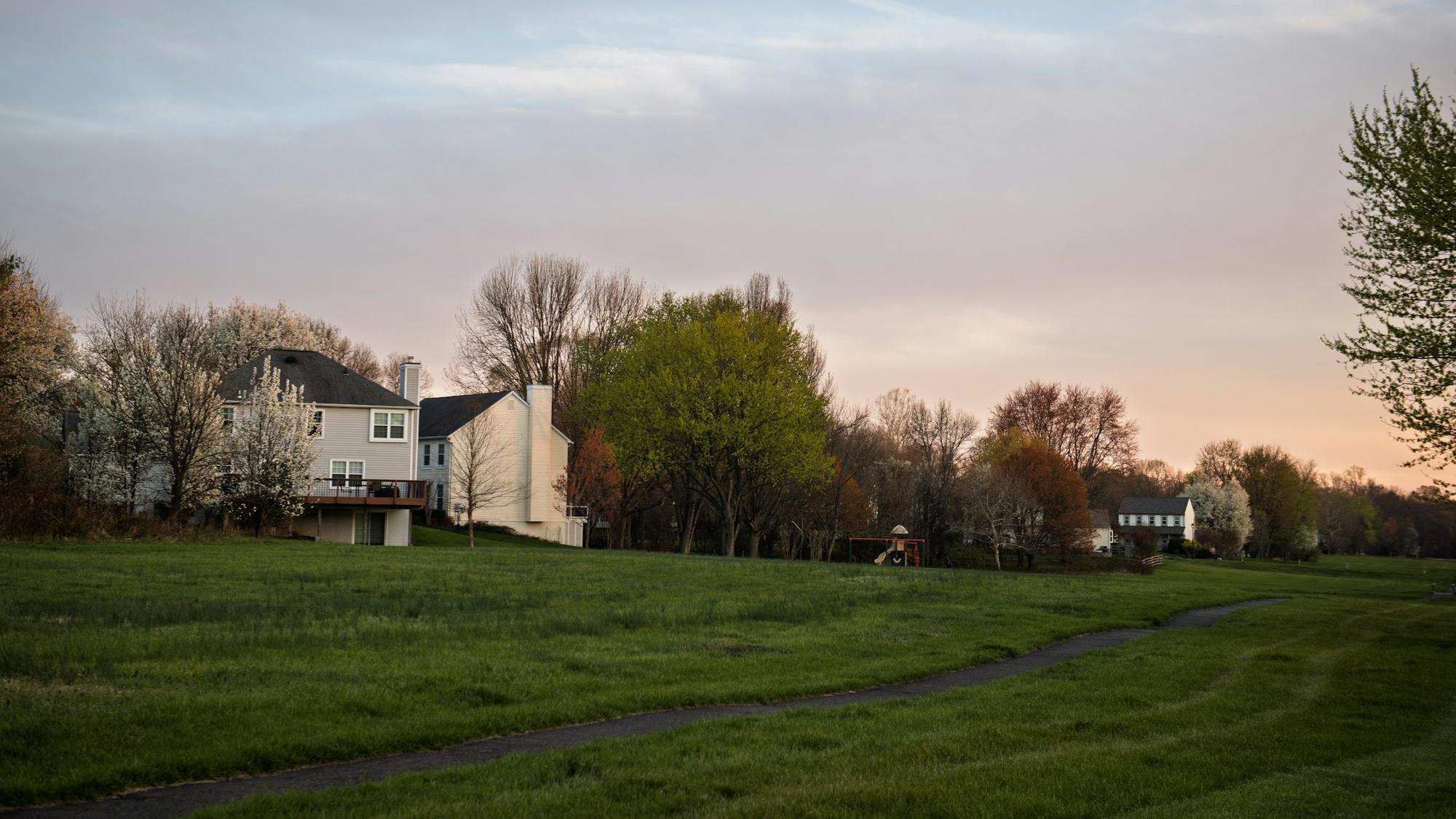
Photo by Srini Somanchi on Unsplash

Launch Live Web App →Start a Migration & Reconciliation Check
Apple App StoreComing soonGoogle PlayComing soonInstant Web AppDesktop & mobile browser

Human ↔ Bot ↔ App on iPhone, iPad, Android, Mac, and the web. Open Plants is in App Store review. Every other vertical opens in the browser.

One login for the board. Harbor prepares the packet.

Effortless convenience. One login, and every officer's job is simpler from day one. Total end-to-end integration. Dues, the two funds, the meeting, and the governing documents are one shared source of truth, so nobody re-keys a vote into a second system. Practical, role-specific AI. The Board President sees Harbor prepare the board packet from the documents the board uploaded. The person stays in control.

Volunteer boards, about 200 homes or fewer

Set it up yourself. No management contract required.

Books, meetings, votes, and your own documents

E-signature

Open HOA includes built-in electronic signatures, so there's no separate built-in e-signature subscription. The board can send any PDF (meeting resolutions, contracts, minutes, owner forms) to directors, homeowners or outside signers such as vendors and attorneys. Signers can go all at once or in a set order. Homeowners and directors sign inside the portal. Outside signers use a private link and don't need an account. When everyone has signed, Open HOA seals the PDF with a Certificate of Completion. The certificate records who signed, how each person was identified, their consent to sign electronically, timestamps, IP address and device, and a SHA-256 fingerprint. The signed copy is kept in the association's records, and anyone can check a copy's fingerprint on a public verification page. Resolutions recorded with the meeting minutes.

Signed PDFs can be filed in Documents.

Designed around the federal ESIGN Act and UETA; associations should confirm with counsel.

Books

Operating and Reserve funds, transfers, budget vs. actual, and manual bank reconciliation. Bills wait for board approval, and nothing pays automatically.

Meetings and votes

Agendas, notices, packets, roll-call votes and minutes PDFs. Member ballots (one vote per home) and acknowledgments with an audit trail.

Property

Problem reports, architectural requests with decision letters, violation tracking (guidance only), and vendor work orders through a private link. No vendor account is needed.

Community

Notices with read receipts, private board messaging, amenity reservations, an opt-in directory, and household and evacuation info.

Harbor

Harbor is the built-in assistant for the board. It answers from the association's own governing documents. Door 1 is Harbor inside the board tools. Door 2 is an external assistant the board connects, with the same document boundary. This is not legal advice.

Shaped by a small self-managed HOA board

Open HOA was shaped by a small self-managed HOA board's own software first. What we learned there shaped Open HOA for other associations.

Your records, your control

What early access is and isn't

Is

Early access for a small number of boards.

Isn't

An App Store launch, a banking integration, or legal advice.

A board week, on one screen

Layouts of the work the early-access product is built around. These are diagrams, not photos of a resident's portal.

Step 1 · Dues

The board sees who has paid

Monthly or quarterly assessments, the open balance, and the board packet are one record. Harbor can draft the packet from the documents the board uploaded. A director still signs. The treasurer’s rail comparison is in the finance section below.

Diagram
Dues run

October assessments

Paid
Open

Paid and open, on the assessment the board approved.

Step 2 · Funds

Operating and reserve, kept apart

Transfers between funds are explicit. Bills wait for board approval. Nothing pays itself.

Diagram
Funds
Operating
Reserve

Budget versus actual sits under each fund.

Step 3 · Meeting

Agenda, votes, sealed minutes

One vote per home on member ballots. Directors sign the resolution inside the portal. Outside signers use a private link and do not need an account.

Diagram
Meeting

Board packet

AgendaRoll callMinutes PDF

Electronic signatures follow the ESIGN Act and UETA. Confirm the form with counsel.

Step 4 · Harbor

Answers from your documents

Harbor reads the bylaws and CC&Rs the board uploaded. It cites the passage. It does not give legal advice, and it does not invent a rule that is not in the file.

Diagram
Harbor

The fence rule is in the CC&Rs, section the board uploaded. Harbor quotes it and stops there.

Door 2 uses the same document boundary for an assistant the board connects.

Step 1 of 4

Why Clean-Sheet Architecture Wins: Built From Scratch vs. Legacy Windows & Patched Software

Built from scratch uniting the homeowner portal, architectural review, violations, and true fund accounting on one modern database—replacing legacy Windows HOA accounting packages (CINC, TOPS, Caliber) with bolted-on resident web portals that never match the ledger in real time.

Legacy Windows & Patched Incumbents

Legacy Windows HOA Accounting Packages (CINC, TOPS, Caliber) & Bolted-On Portals

Traditional HOA software was written in the 1990s/2000s for back-office Windows servers at property management companies, with a separate homeowner website bolted on years later.

  • Portal balances that lag the real ledger: Homeowner portals sync via batch exports from a back-office Windows accounting package, causing duplicate late notices and owner frustration.
  • Commingled spreadsheets or complex desktop accounting: Volunteer treasurers either wrestle with overbuilt Windows property-management screens or fall back to QuickBooks and Excel where Operating and Reserve funds blur.
  • Scattered architectural requests, ballots, and CC&R PDFs: Email chains and shared drives that vanish every time a volunteer board turns over.
Open Scaffold Labs Clean-Sheet Architecture

Open HOA Clean-Sheet Two-Fund Ledger, Board Packet & Homeowner Architecture

Built from scratch on a sound, state-of-the-art technical architecture where assessments, Operating and Reserve funds, architectural requests, meetings, and governing documents share one live record.

  • True real-time two-fund accounting in the browser & mobile app: Operating and Reserve accounts stay strictly separated on one live database—when an owner pays dues, the board and resident see the exact same balance immediately.
  • One login for board packets, votes, and CC&R citations: Resolutions, e-signed minutes, architectural approvals, and reserve budgets stay with the association permanently.
  • Harbor AI grounded in your uploaded CC&Rs: Quotes the exact section of your bylaws or CC&Rs and prepares the monthly board packet while directors stay 100% in control.

For the CFO, Controller & Treasurer — Financial & Software Consolidation Calculator

A self-managed board and a managed association, against the locked Open HOA price. Uncheck any invoice you do not pay.

Disruptor Annual Charge ($/Year) · 100% QuickBooks Replacement (@openscaffold/books v3.1)

Open HOA: $29.99/yr flat per association ($2.50/mo equivalent for the entire association)

Replaces Legacy Annual Stack: $8,800–$34,200/yr legacy AppFolio/Vantaca/management company + QuickBooks · Includes Reconciliation Check + Partial-Use Trial ($0.00 variance check before canceling legacy software) & Founding 10 Charter Program (90 Days Free + 50% Lifetime Rate Lock).

4th Pillar Included at $0 Extra · @openscaffold/website v2.0 (Website Studio)

Eliminates $1,200–$4,800/yr in Legacy Website, Widget & Web-Agency Spend: Replaces HOA Express, TownSq public site, CondoControl, or WordPress + statutory document vault hosting.

Includes 60-Second Legacy URL Rescue (siteImporter.js), Live Operational Database Sync (public neighborhood site, Civil Code §4525/§4528 resale document vault, architectural requests, CC&Rs, and board meeting minutes), Auto-Generated Schema.org JSON-LD & /llms.txt AI Search Optimization, and Managed Custom-Domain Edge SSL at $0 extra annual cost.

The association price, for the treasurer

$29.99 per association per year

The price is per association, not per home and not per month. Every association runs at a Disruptor Annual Charge of $29.99 per association per year vs. $8,800–$34,200/yr legacy AppFolio/Vantaca/management company + QuickBooks, with unlimited board and homeowner logins. Dues drafts use Rainforest published-entry ACH at $0.20 flat per item instead of a few dollars per payment. The $0.25 ACH figure is only the $15M+/mo scale target. Every board can start with a 1–2 week Migration & Reconciliation Check while the board stays in its current system, then a Partial-Use Trial on one fund or billing month (~15-min Day-1 CSV import and read-only bank connect, no typing twice (automatic read-only pull for QuickBooks Online, Xero, Stripe, Square, Toast and Plaid bank/card feeds; weekly export drop for desktop systems), and a ~2-min weekly check on the 5-Point $0.00 Variance Scoreboard across Operating and Reserve funds). The first 10 paying associations can take the Founding 10 charter: 90 days free, then $15 per year for the life of the account, if they publish their verified invoice comparison.

Open HOA is in early access. Features may change. This is not a management company, and it is not legal advice.

Want early access?

If your board manages itself, or wants to, tell us about your association at dale@openscaffoldlabs.com.

Open HOA is in early access, and features may change.

Start a Migration & Reconciliation Check

Pick the app and the way you want to start. Launch the live web app now, or send Dale a workspace provisioning summary. @openscaffold/licensing is how a cloud workspace is opened.